
 pomplix dashboard
Everything connected.
Everything, your way.
Your content, media, people, and custom business data.
One adaptable platform, with the setup and support to make it yours.
TAKE A LOOK INSIDE YOUR NEXT WORKSPACE
Pomplix Dashboard
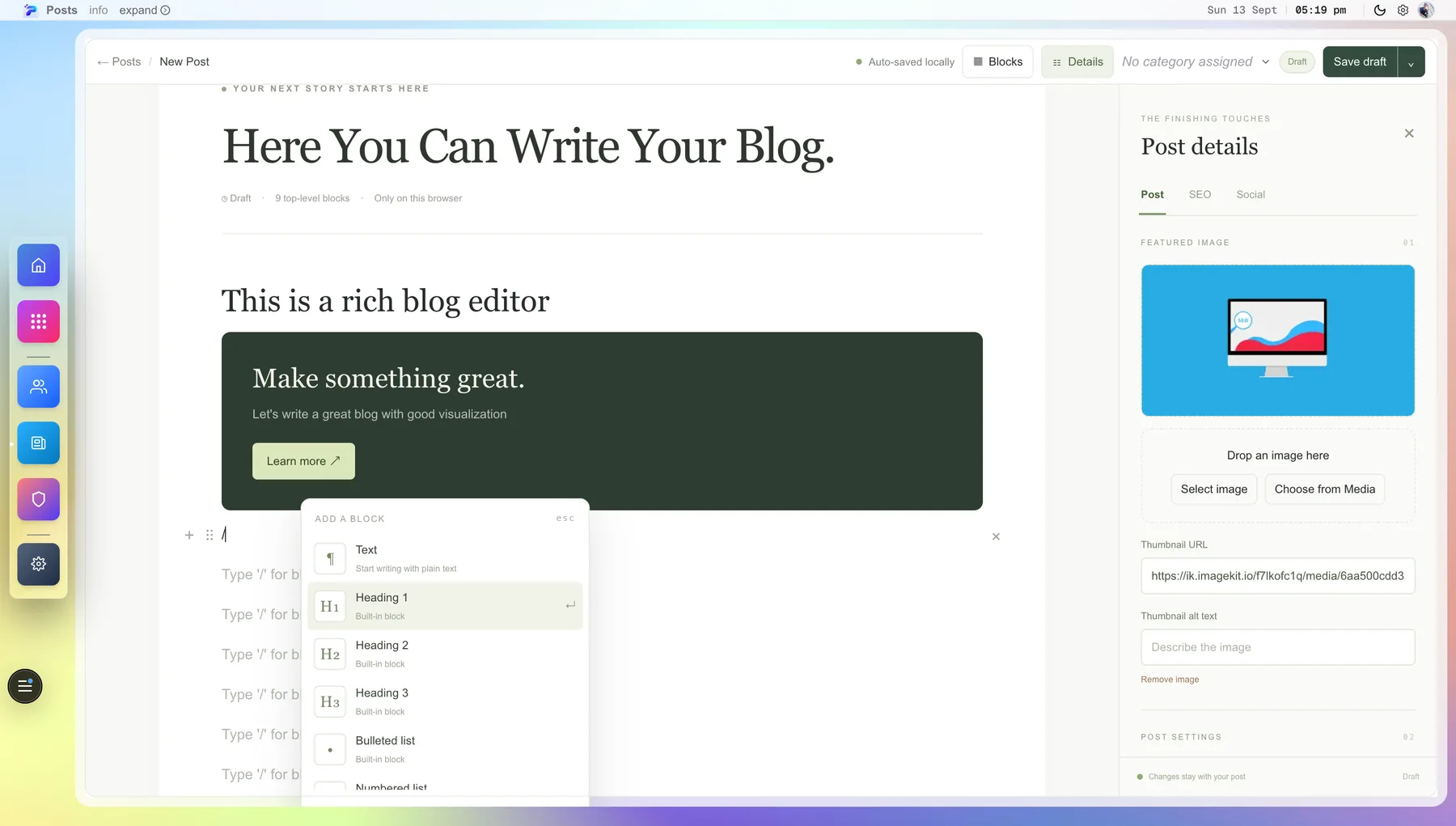
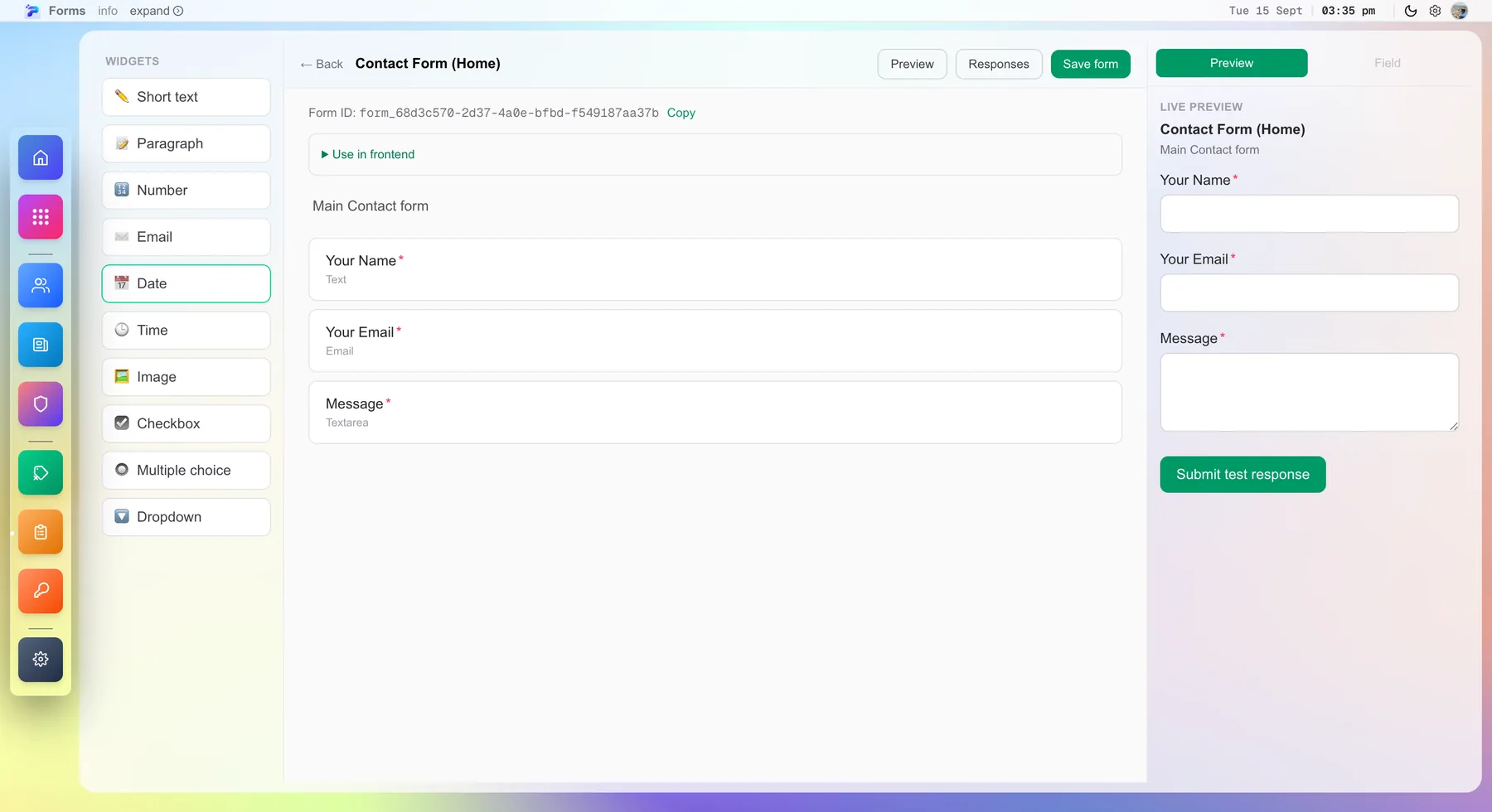
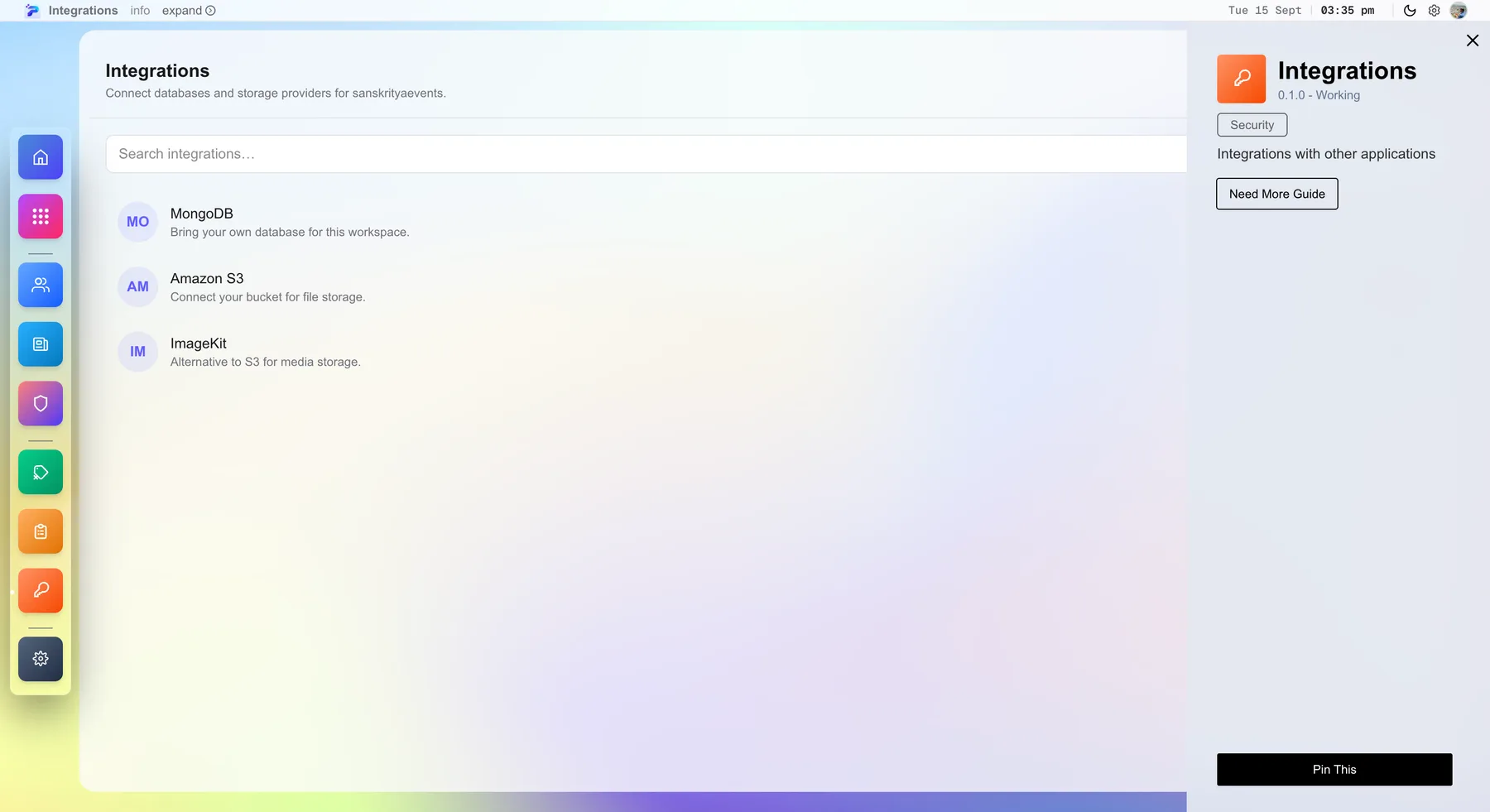
Pomplix Dashboard is a workspace for managing website content, forms and enquiries, media, integrations, users and roles.
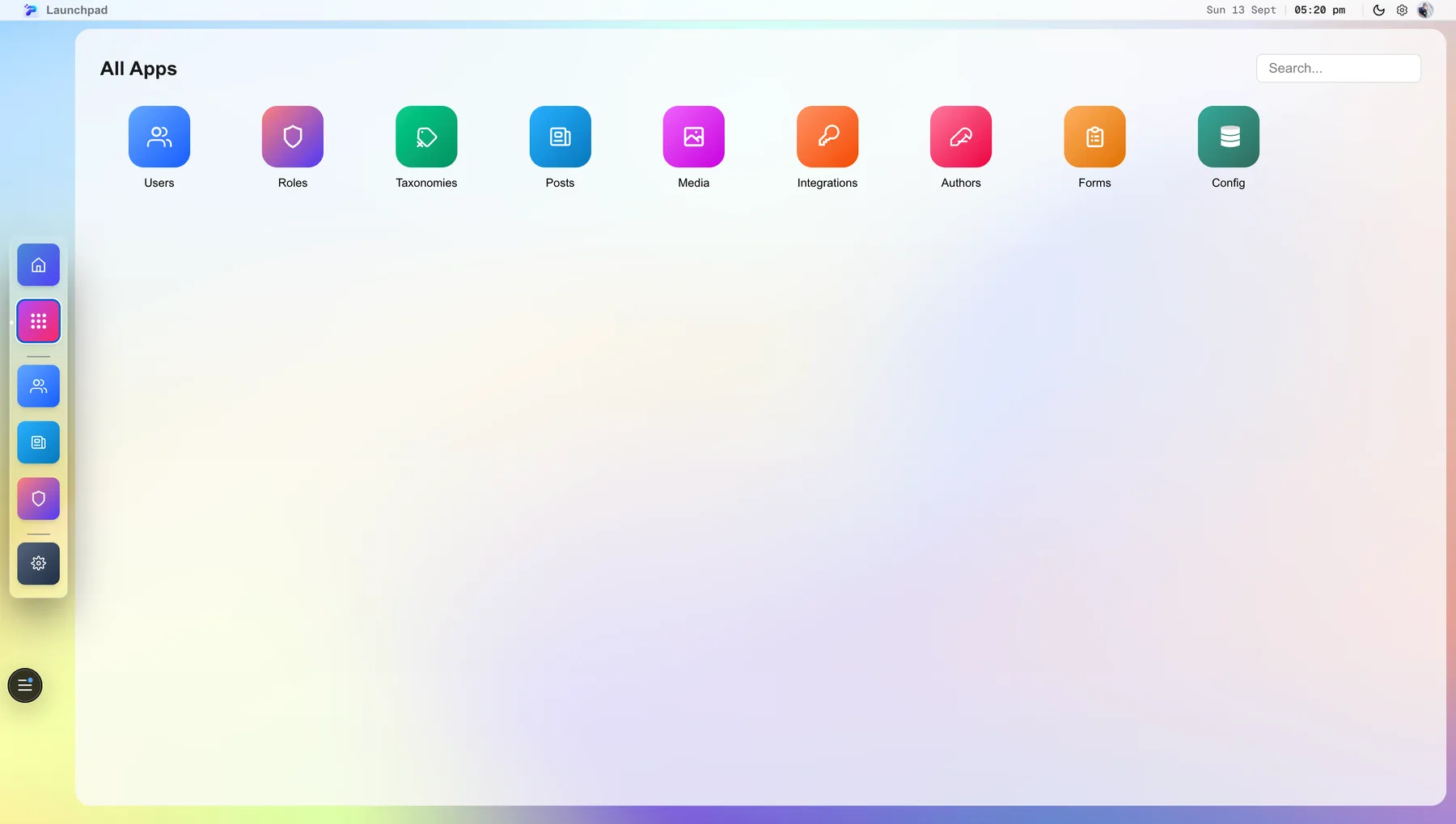
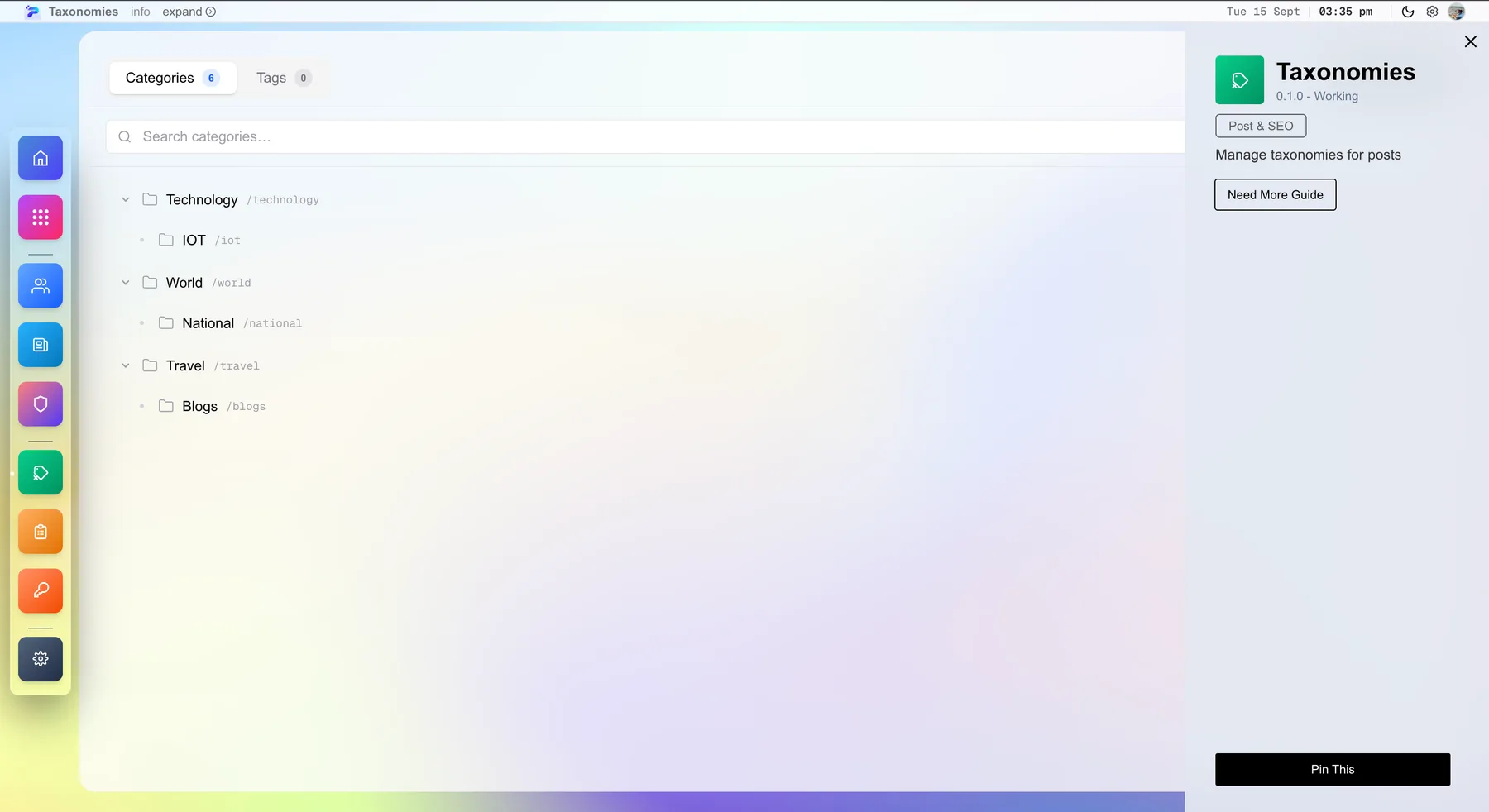
One home for your everyday work.
Start with the modules you need and add more later.
From how you work now
to a system that runs it.
No blank workspace to figure out alone. We set it up around your business, then hand you something ready to use.
Tell us how you work
The clients you serve, the content and data you manage, and the tools your team already relies on.
We configure your workspace
Applications, roles, storage, and integrations are set up around your business—not a generic template.
Go live and keep moving
Publish to your website, manage clients from one place, and add capability as your business grows.
Less switching tools.
More getting things done.
Useful tools work better when they work together. Start with what you need, and configure the connections around your business.

Many clients. Clear boundaries.
Separate business workspaces with configured applications, data connections, and team assignments. Manage the whole picture without mixing up access.

Content with more possibilities.
Build posts with reusable text, image, table, embed, callout, and custom content blocks. Keep categories and search metadata alongside your work.

Images ready for your website.
Upload and organise media in connected storage. Supported images get optimised variants that your website can use at appropriate sizes.

Data that fits your business.
Custom, schema-based collections let you organise structured records around your requirements, with fields and workflows your team understands.

People with the right permissions.
Assign users to the clients they work with. Control application-level view and edit access, and keep access approval part of the workflow.

Connections under control.
Connect MongoDB, Amazon S3, or ImageKit through a managed setup. Integration credentials are encrypted on the server and kept out of browser responses.

Forms that lead somewhere.
Create forms and surveys, manage responses, and export the information you need. We configure public website submissions as part of your integration.

Your workspace. Your next chapter.
Enable the tools you need now and review new requirements as your business grows. Future tools are added through an agreed roadmap, without unnecessary complexity.
A platform is useful.
A partner makes
the difference.
The Dashboard is the foundation. Pomplix configures it, connects it to your website, and looks after the agreed solution as your needs change.
What the managed setup brings
- A workspace shaped around your actual requirements
- Your chosen applications, custom data, and roles
- Configured website publishing and form connections
- Storage and integration setup
- Team guidance and documentation
- An agreed support, maintenance, and improvement plan
Guides on the Dashboard.
 Pomplix Dashboard
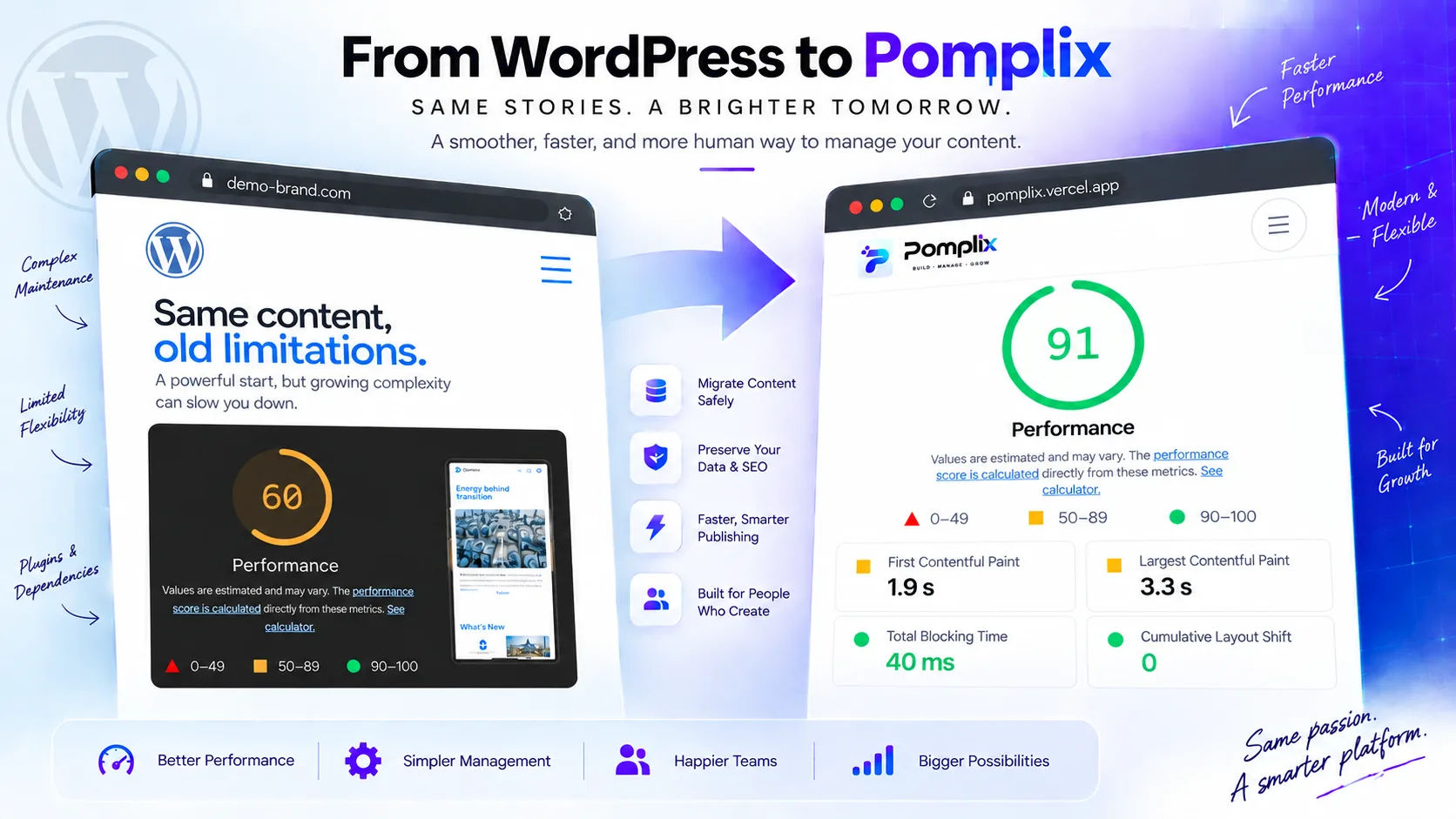
From WordPress to Pomplix: Building a Smarter, More Human-Centered Publishing Experience
Why growing publications move from WordPress to Pomplix, what a careful migration keeps, and what the dashboard looks like afterwards.
Read article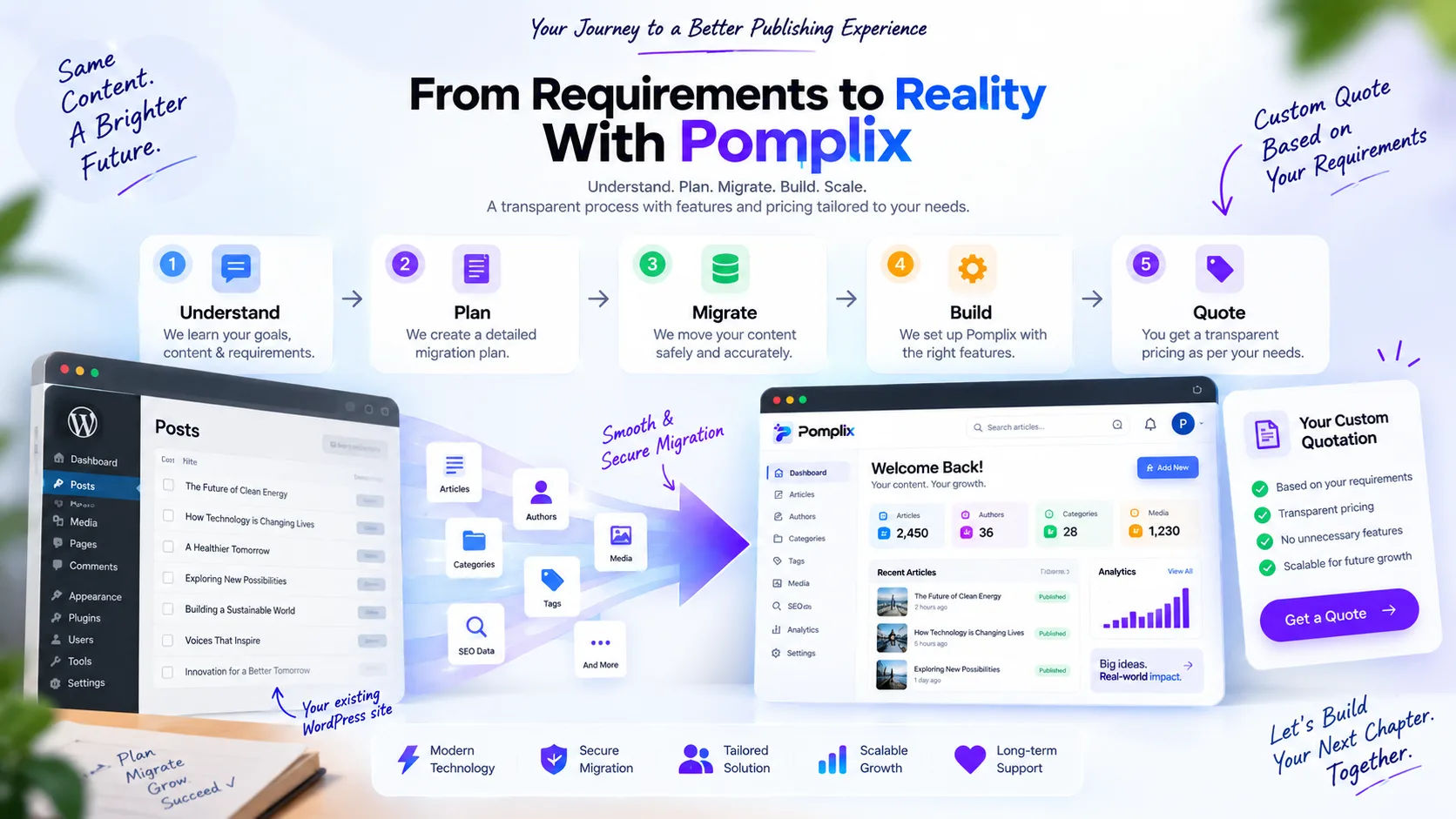 Pomplix Dashboard
How to Move to Pomplix: Features, Migration & Pricing Built Around Your Requirements
What moving from WordPress to Pomplix involves, step by step: requirements, migration plan, features, checks and how pricing works.
Read articleA few things to know.
01Is this a self-serve subscription or a managed service?
Pomplix Dashboard is offered here as a dedicated, managed setup. We discuss the applications, connections, and support you need, then propose a scope and price.
02Can I publish directly to my website?
We configure the website delivery connection for your implementation. The Dashboard provides content editing and publication settings; live delivery and background scheduling depend on the integration included in your project.
03Can I embed forms on any website?
Forms and surveys can be connected to your website through a configured submission integration. We set up the public backend and data handling instead of exposing authenticated workspace APIs.
04Are AI tools, ticketing, and monitoring built into every setup?
These are Pomplix service capabilities that can be scoped around your project. They are not assumed to be included Dashboard modules. Your proposal defines the tools, support process, and monitoring coverage.
05How is pricing decided?
Pricing depends on the applications, integrations, client workspaces, custom development, and ongoing care required. We aim for a lean, practical setup and explain service and third-party costs separately.
Your business deserves a workspace that fits.
Tell us what you manage today and where you want to go. We’ll map out a dedicated Dashboard setup around your needs.