WordPress has been around long enough that most people in publishing have used it at some point. It's carried a huge number of blogs, magazines and businesses, and there's no shame in having built a site on it.
But there's a point where a growing publication starts to feel it. More articles, more writers, more categories and tags, more images that have to stay attached to the right story. The tool that was easy at fifty posts gets awkward at five thousand. That's usually the moment people start asking whether there's a better setup, and it's why we built Pomplix.
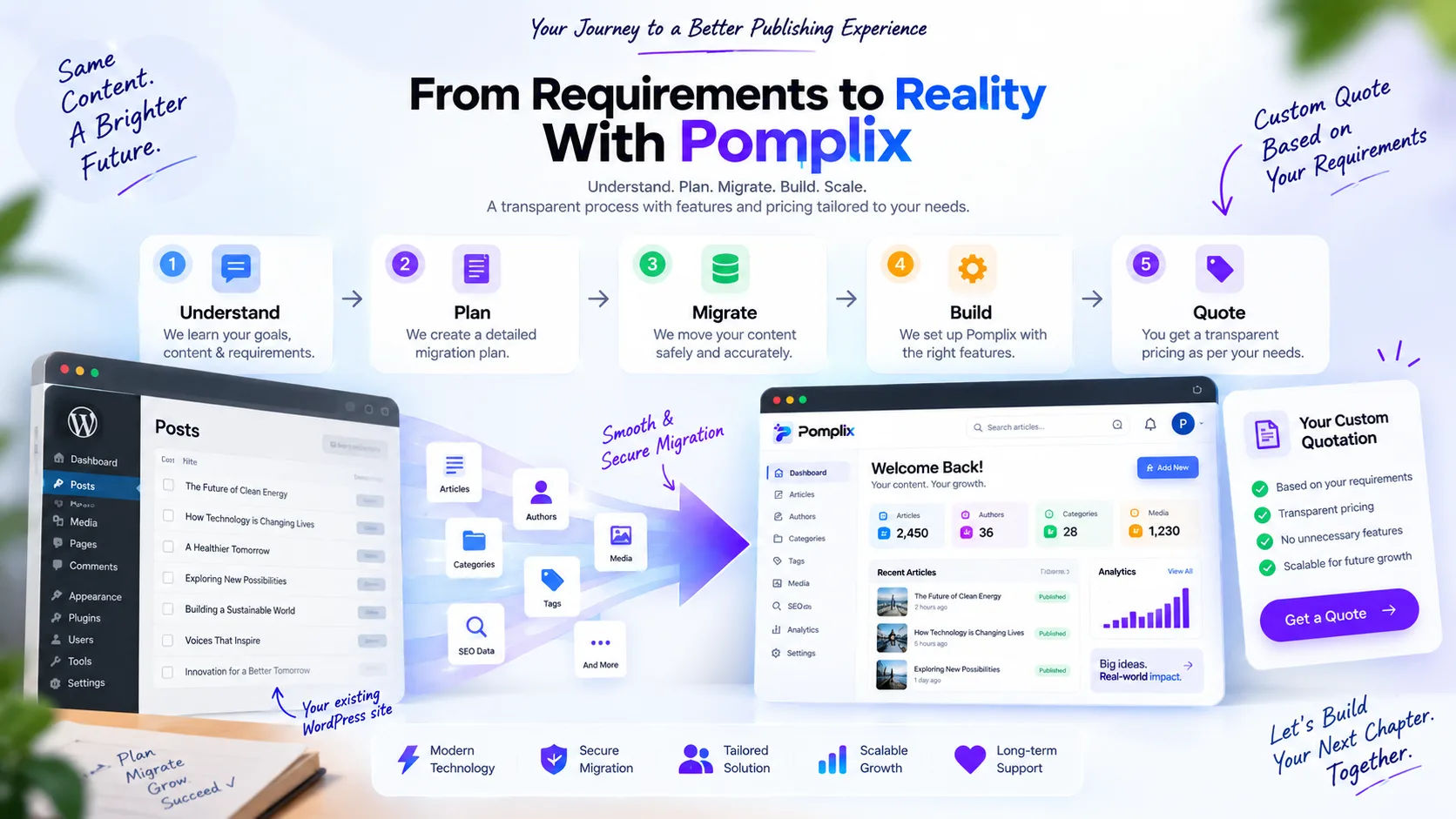
A migration isn't just copying files
People tend to think of moving off WordPress as picking up a site and putting it on a different server. It's closer to moving house. Every article, author, tag, image, URL and publish date matters, and so does the way they connect. Lose the link between a writer and their stories and you've lost something real, even if every row copied across fine.
So the plan is built around keeping meaning, not just data. The route looks like this:
WordPress / MySQL → Node.js migration and sync service → MongoDB → Pomplix Dashboard
WordPress can stay where it is as the source while the new workspace gets its own clean copy of what matters. Nothing has to be switched off on day one.
What we keep
Articles and their content come across, of course. So do authors and the links between authors and their work, categories and tags, featured images, URLs and slugs, and the original publish and modified dates. We also carry over the SEO and custom fields that are actually in use.
We hold on to the original WordPress post ID too. It sounds minor, but it's what lets the new system recognise a post it has already seen, so syncing later doesn't create duplicates.
How the two compare
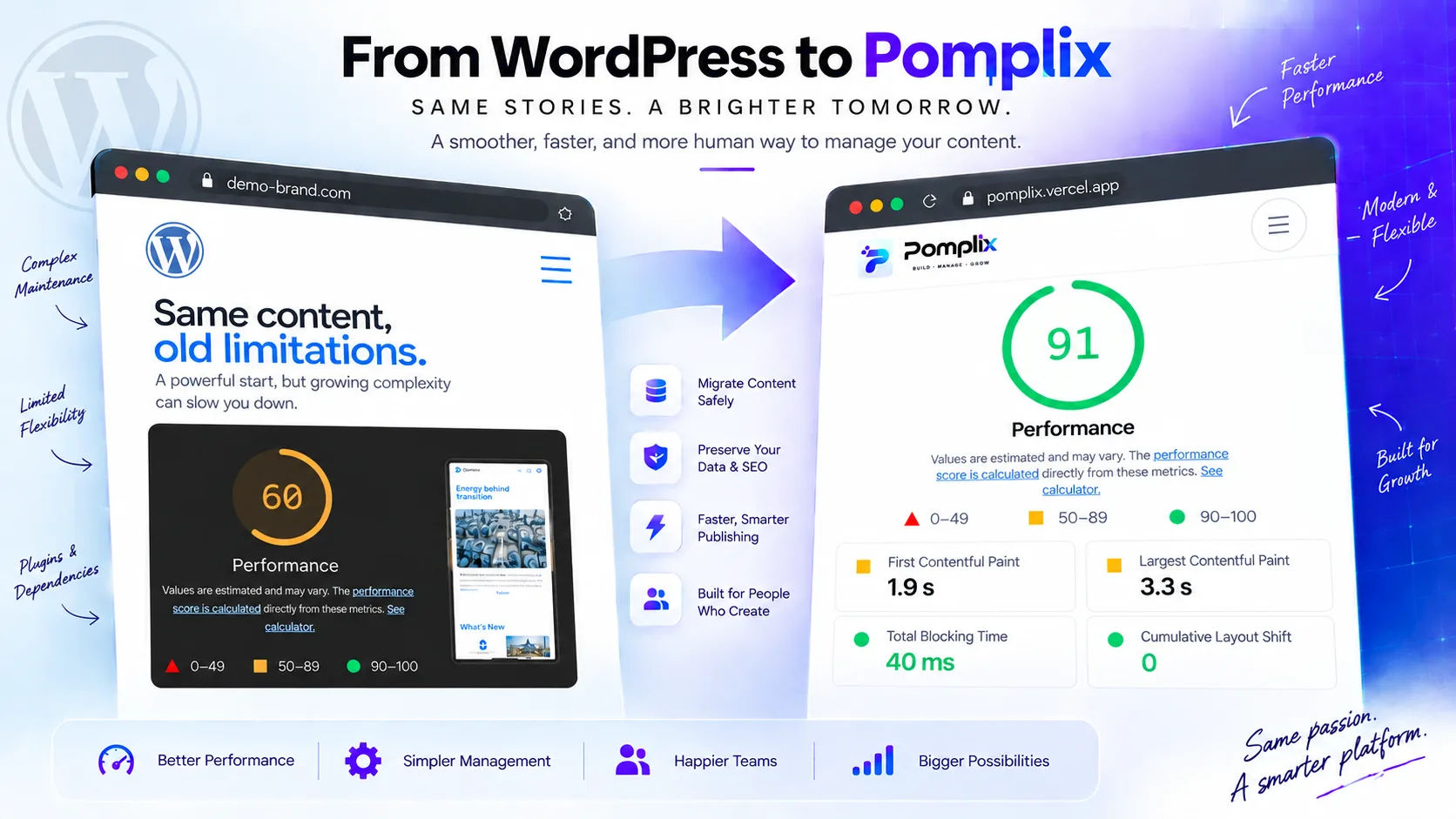
Here's the plain version. Some rows depend on the specific site, so read them as typical, not universal.
| Topic | WordPress | Pomplix Dashboard |
|---|---|---|
| Sign-in | Username and password | Google sign-in, with room for other providers |
| Access control | Limited access and roles | View or Edit access per app, plus roles you define |
| Size | 20+ GB | 200 MB |
| Hosting charges | $885.24 | 0 |
| Backup | Grows with the size of the site | Posts recorded as commits through the Git integration |
| Database | MySQL | MongoDB, which can be your own database |
| Assets | Stored inside the application | Managed through ImageKit or Amazon S3 |
| Image optimisation | None when storing or rendering | Smaller versions generated on upload |
| Interface | Complex | One small app per job |
| Adding features | Plugins that cost money, need upgrades and can slow the front end | Add another app, for example with Create App, and the front end stays untouched |
| AI | Not built in | Not built in yet, but structured data makes it possible to add |
A dashboard that fits the team
WordPress is flexible because it has to serve every kind of site. For a publication, that flexibility often turns into layers of plugins, themes and custom fields, most of which have nothing to do with how the newsroom actually works.
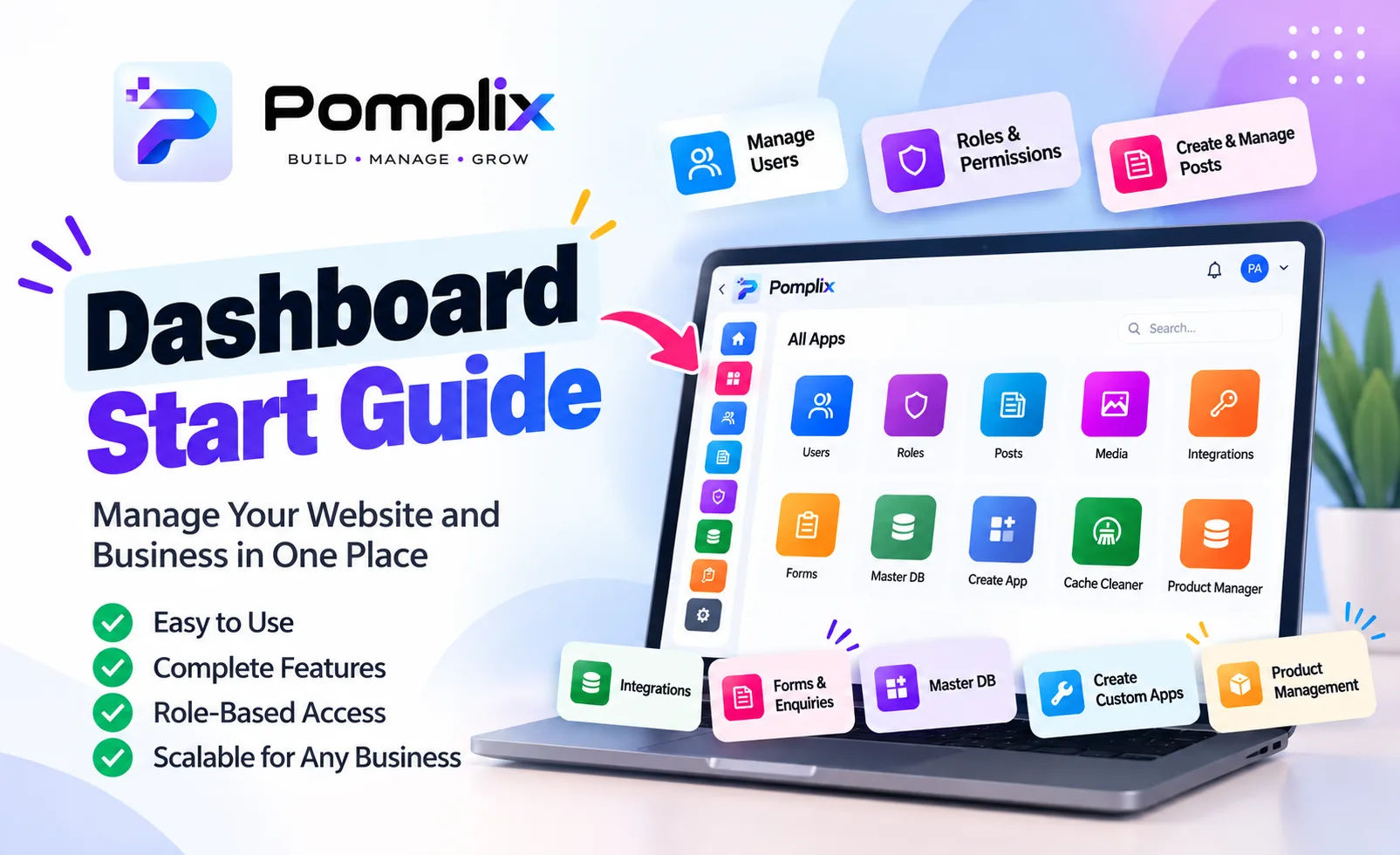
We flipped the question. Instead of asking how your team can adapt to the CMS, we ask how the CMS can adapt to your team. In Pomplix that means each job gets its own app and each person only sees the apps they need. Posts has a block editor with proper statuses, scheduling, and SEO and social fields. Taxonomies handles nested categories and tags. Media is one library with optimised images. Users and Roles let you approve people and give each of them View or Edit access per app.
Teamwork has some thought put into it as well. One person edits a post at a time, others can ask for control, and with Git connected you can look back through earlier versions.
Why clean data matters
A WordPress site that's been running for years collects plugin fields, revisions and half-forgotten structures. If you move all of it blindly you just rebuild the same mess somewhere new.
We go the other way and only bring over what the new workspace needs, in tidy collections for posts, authors, categories, tags and media. Links between them are stored as plain identifiers. Developers like that, but editors and analysts feel the benefit too, because things are easier to find and harder to break.
You don't have to stop publishing
Real publications can't pause for a month while the tech changes. That's why the plan allows ongoing sync between WordPress and MongoDB, so new, edited and deleted posts get picked up by a Node.js process. For a while both worlds run side by side, and the move feels like crossing a bridge instead of jumping off a cliff.
Checking the work
Opening the new dashboard and seeing it load proves very little. What matters is whether the content is right. So before the switch we compare post counts between WordPress and MongoDB, check authors, categories, tags and media, and spot-check titles, slugs, text, images and dates. We look at the SEO fields, and make sure no duplicate posts crept in.
Only once that all checks out does the dashboard move fully over to MongoDB. Trust has to be earned before you replace something people rely on.
What changes day to day
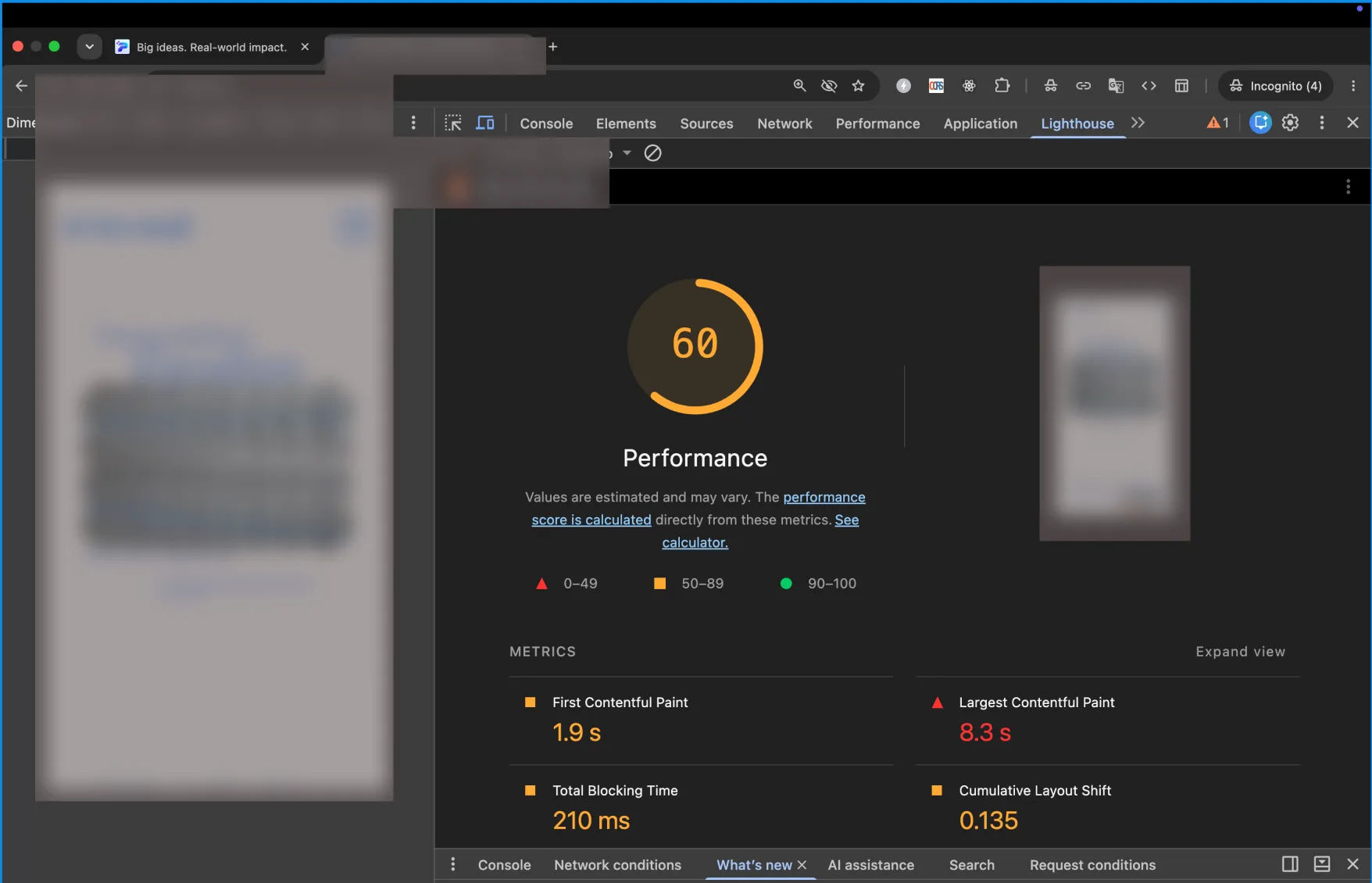
The honest answer is that it's less about speed tests and more about how it feels. A newsroom has its own rhythm. Stories move fast, editors need clarity, writers want their name to stay on their work, and images have to stay with the right piece. A system built around that rhythm gets out of the way, and that's what we're aiming for.
Moving over isn't a rejection of what came before. The articles, the authors and the readers all came from the WordPress years, and that history comes with you. React and MongoDB aren't the point. Stacks come and go. What counts is that the people running the publication spend less time fighting their tools and more time on the stories.